
Steam Deck Demo
(using audio-to-haptics)
Steam Deck Demo
(using audio-to-haptics)
⬇️ Scroll down for gaming and music content
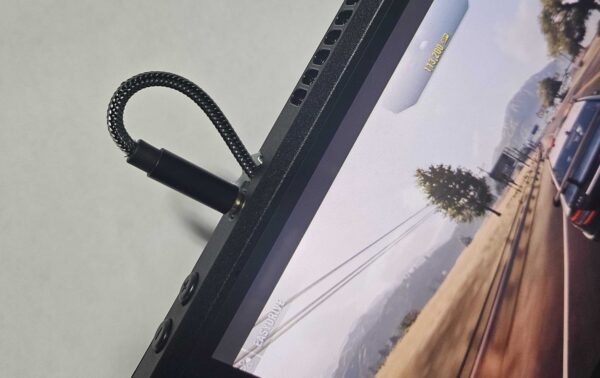
Make sure the headphone jack is plugged in. Scroll down for gaming and music content.
Tone and Waveform Generator
Direct URL: https://sg.titanhaptics.com
Explore the diverse experiences possible through our selected demo videos available on this page and also downloaded on the device.
Call of Duty
Red Dead Redemption
Counter Strike
Hollow Knight
Battlefield
Explore the diverse audio experiences possible through our selected demo videos available on this page and also downloaded on the device.
PinkPantheress – Stateside (Audio)
Concert Experience
Skrillex – Rumble (Audio)
Dracula – JENNIE Remix (Audio)
Spiderbait – Black Betty (Audio)
If the haptics are not responding, please check the following: